Save it in seconds
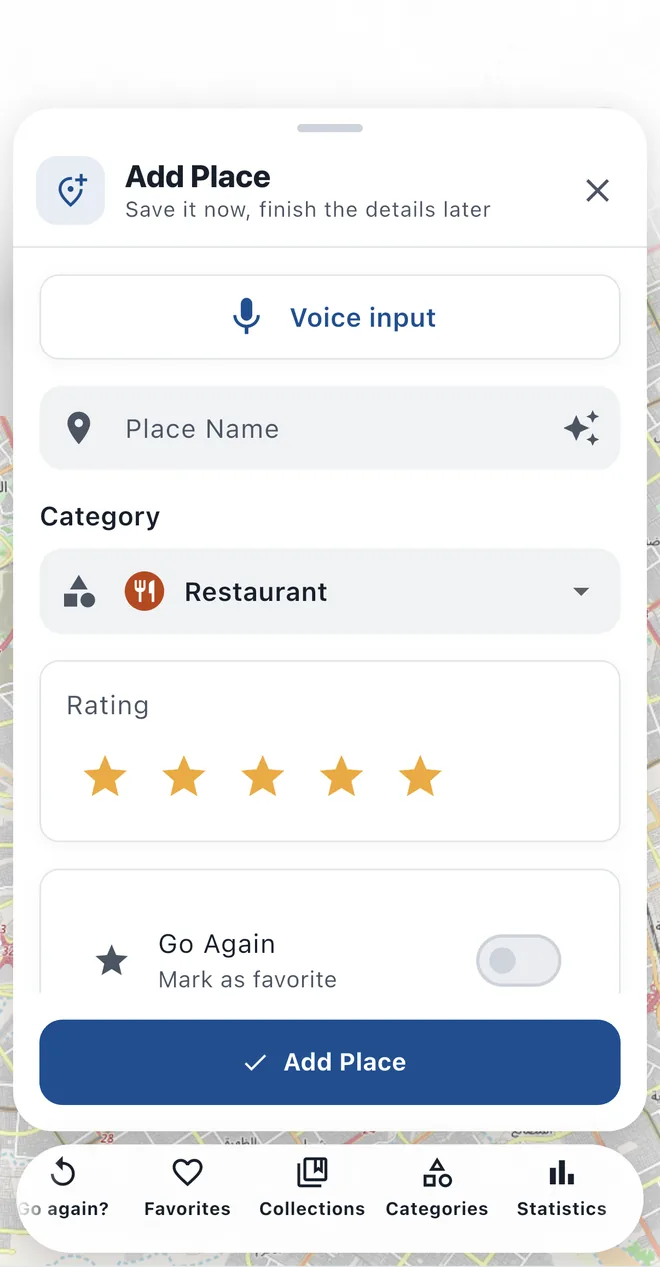
Share a place from Google Maps, drop a pin on the map or use where you are. Add photos, notes, tags and a rating whenever you like.


For Android and iPhone · Free
GO AGAIN is a private notebook of your favourite restaurants, cafés, shops and spots, on one map on your phone. Save a place in seconds and find it again when you need it.

One map for every place you loved, with the tools to find it again and the reasons to go back.
Share a place from Google Maps, drop a pin on the map or use where you are. Add photos, notes, tags and a rating whenever you like.
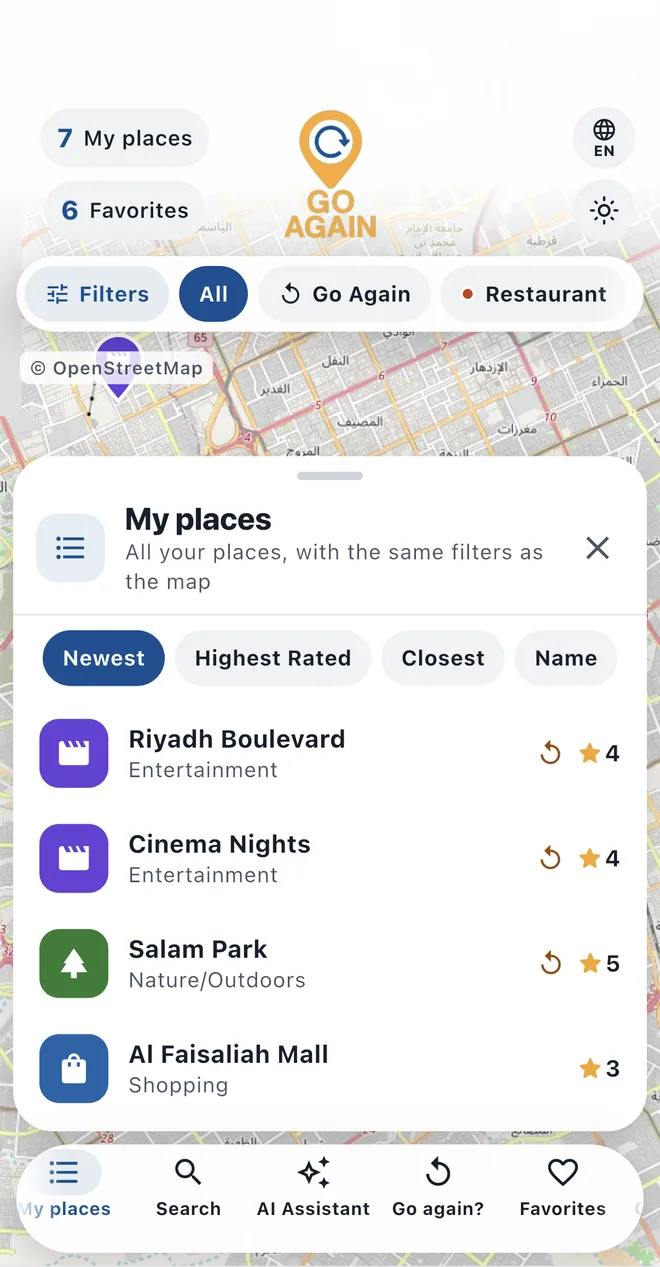
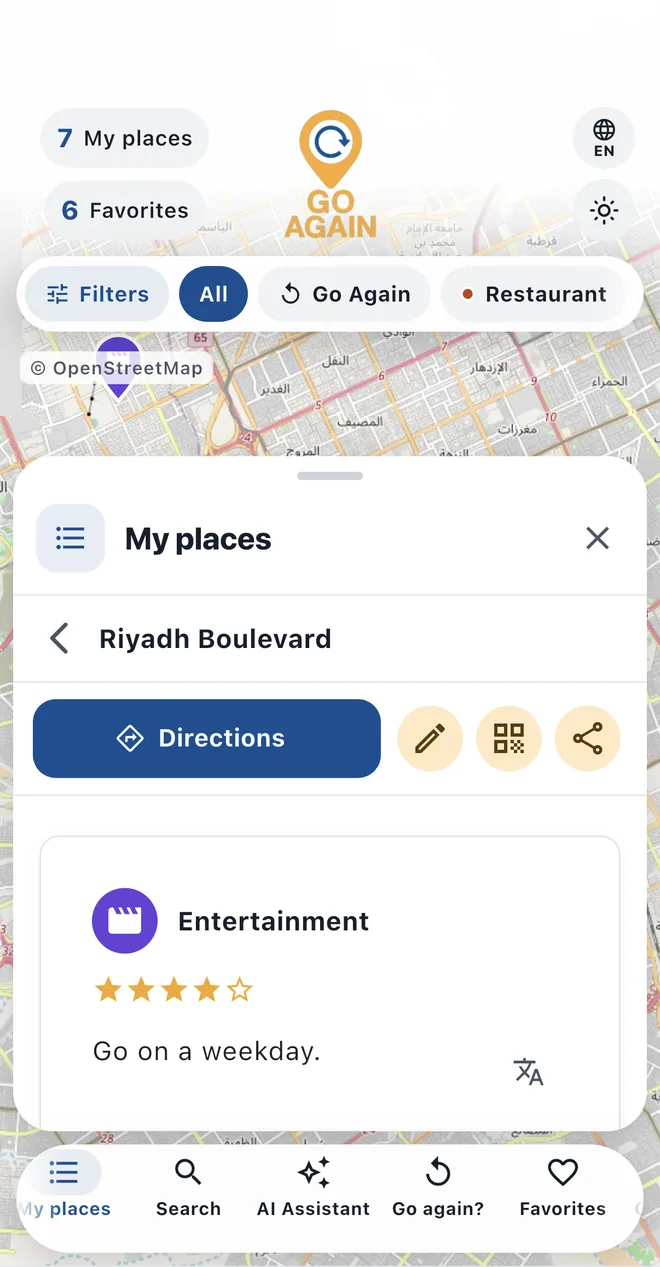
Every place is a pin in its category's colour. Filter by category, tag or favourites, or search your names, notes and addresses.
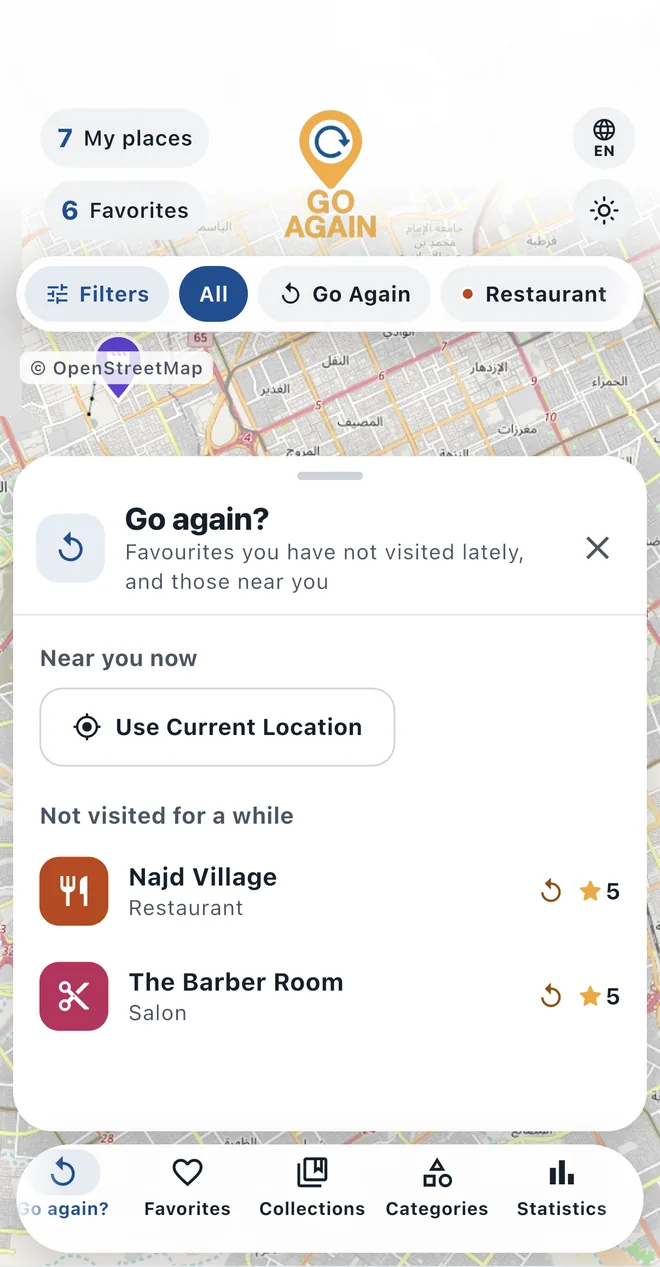
See your places near you, and the favourites you haven't been back to for a while. Turn on gentle reminders if you like.
Your places, photos and notes stay on your phone: no account and no cloud. Lock the app with a PIN, your fingerprint or your face.
Save everything with its photos to one file, with an optional password, and restore it on a new phone, Android or iPhone. Bring your saved places from Google Maps.
50 languages, with Arabic and the other right-to-left languages included. An optional AI assistant suggests categories, writes descriptions and translates notes, only when you ask.
The map comes first. Everything else opens in a sheet over it, and the buttons stay where your thumb is.
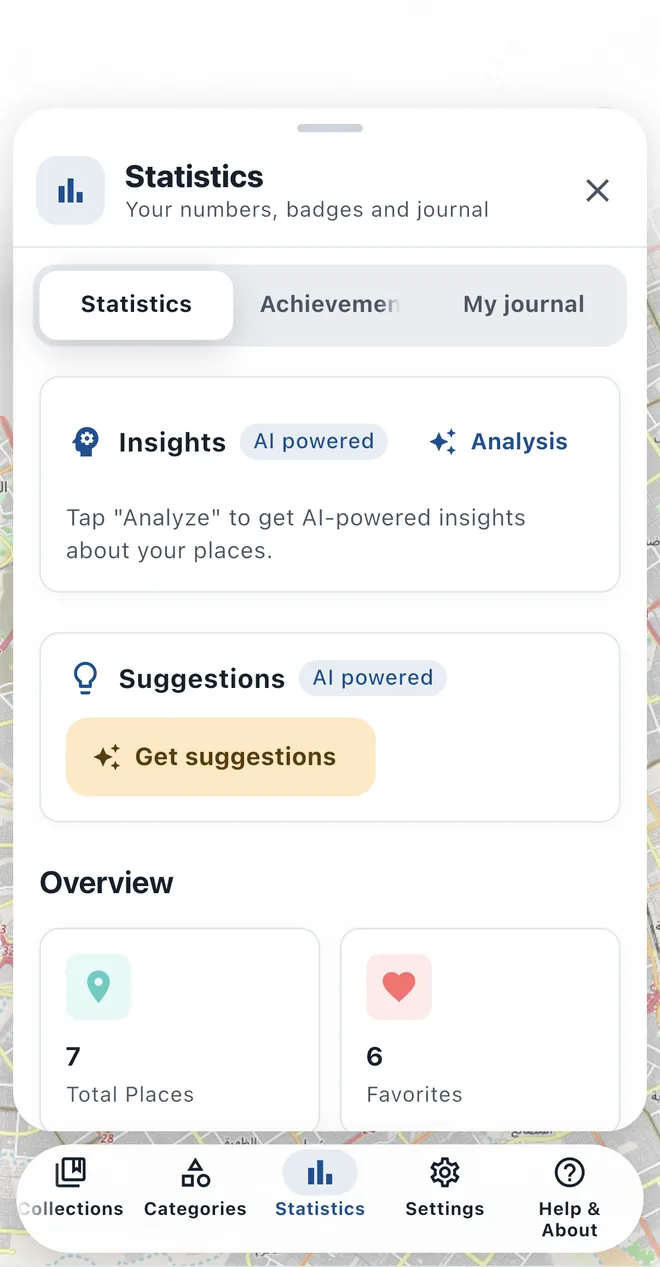
No small print: here is how GO AGAIN pays for itself and what it does with your data.
A single banner keeps GO AGAIN free. No subscription and nothing to buy.
No account and no cloud. We have no server that receives your places, so we cannot see them.
AI features stay off until you accept, and only the text you use them on is sent.
Yes. It is free and shows one small ad banner. There is no subscription and nothing to buy.
No account. Adding, editing, searching and backups work offline. The map needs the internet for areas you haven't viewed recently, and so do the optional AI and the ad.
Only on your phone. We have no server that receives them, so we cannot see them. Make a backup file now and then; the app's user guide shows you how.
In Settings, save a backup with “Export Data”, then use “Import Data” on the new phone. It works between Android and iPhone in both directions.
Yes: one at a time by sharing from Google Maps, or all at once with a Google Takeout file. KML, GeoJSON and CSV files work too.
Soon. This page will link to Google Play and the App Store as soon as the new version is out.
Write to support@tibrcode.com.